Orion
PricingEnterprise
Download
Use Cases
Phone CallsSchedulingDaily UseDevelopersBrowser ControlMarketing & DesignMedical Imaging
Resources
Orion SafetySelf-AuditOrion SensorCommunicationBlogUsage & LimitsFirmware
PricingEnterprise
Sign InDownload

Understanding Usage & Limits

Last updated: March 5, 2026

Orion uses a token-based system to manage usage across all plans. This page explains how your usage is measured, how limits are enforced, and what happens when you approach or reach them. Think of tokens as your conversation budget -- every message you send and every response Orion generates costs a certain number of tokens.

Your usage is affected by several factors, including the length and complexity of your conversations, the AI model selected, and the features you use (phone calls, scheduled tasks, image generation, etc).

How Token Usage Works

Every interaction with Orion consumes tokens. Input tokens (what you send) and output tokens (what Orion responds with) are counted and combined into weighted credits. Output tokens are weighted more heavily because generating responses requires significantly more compute than processing input.

What counts toward your usage

  • Messages you send and the responses you receive
  • System instructions, memory context, and tool calls that run behind the scenes
  • Longer conversations use more tokens as the context grows
  • Premium models cost more credits per message than standard models

Dual-Layer Rolling Window

Instead of a fixed monthly cap, Orion uses rolling windows that continuously refresh -- so you never have to wait until the start of a new billing cycle to use Orion again.

Layer 1: Short-Term Rolling Window (Burst Control)

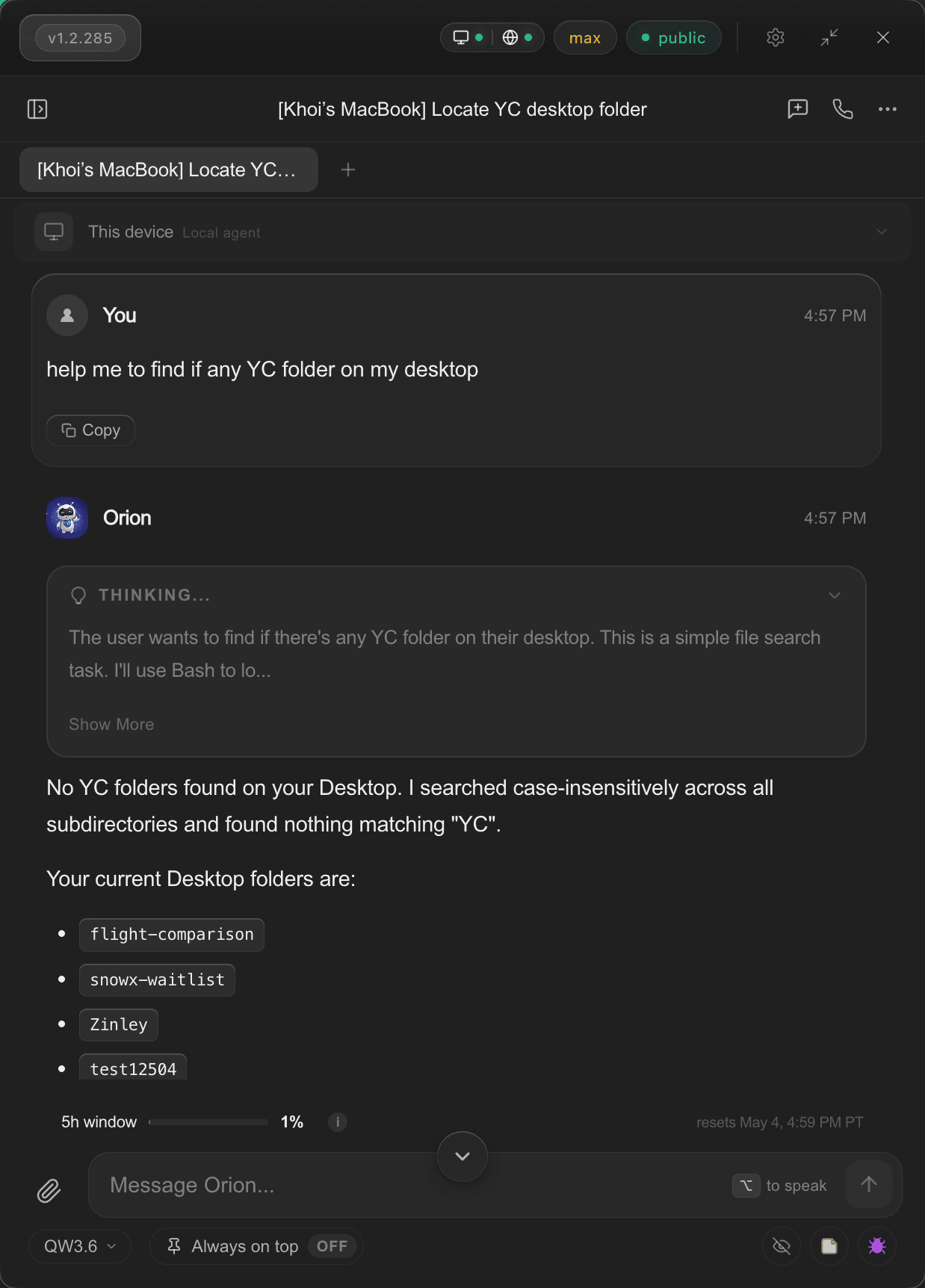
This controls how much you can use Orion in a short burst. Your recent usage is tracked over a rolling time window, and the oldest tokens automatically "expire" as time passes. If you hit the limit, you only need to wait until enough older usage falls off -- typically minutes to a couple of hours.

Layer 2: Weekly Rolling Ceiling (Total Usage Cap)

A broader safety net that caps your total usage over a longer sliding window. It prevents concentrated heavy usage from exhausting resources unfairly. Like the short-term window, it rolls continuously -- there's no fixed weekly reset day.

How rolling windows work: Imagine a window as a timeline that slides forward with the clock. Usage from hours ago gradually expires from the window. You don't wait for a reset -- capacity frees up continuously as your older activity ages out.

A request is only blocked if either limit is exceeded. When blocked, Orion tells you exactly when capacity will free up next, so you know how long to wait.

Limits by Plan

All plans use the same dual-layer rolling window structure. Higher tiers get proportionally more usage within each window. Limits scale significantly at each tier:

  • Free: Limited trial usage -- enough to experience Orion's capabilities
  • Plus: Designed for everyday personal use
  • Pro: Significantly more usage than Plus, built for power users and professionals
  • Max: Our highest usage tier for demanding workloads
  • Enterprise: Custom usage pools for teams. Contact sales

Upgrading takes effect immediately -- your new, higher limits apply right away, and your existing usage carries over in the rolling window.

Premium Model Budgets

Certain advanced models have separate usage budgets because they require significantly more compute. These budgets are tracked independently from your general token quota.

When a premium model's budget is exhausted, Orion suggests alternative models you can switch to while your premium budget refreshes. Your general token quota is unaffected -- you can keep using standard models without interruption.

Higher tiers get more generous premium model budgets, and some premium models become unlimited at Pro or Max tiers.

Phone Call Limits

Phone actions (calls made by Orion on your behalf) are metered separately with multi-layer protection. Phone call access is available starting at the Pro tier, with daily call limits, per-call duration caps, and monthly ceilings.

Additional safeguards include cooldown periods between calls, per-number daily limits, and automatic flagging of unusual patterns. These protections exist to prevent misuse while keeping the feature available for legitimate use.

Scheduled Task Limits

The number of active scheduled tasks (one-time or recurring) you can run simultaneously depends on your plan. Free users can run a small number of tasks, while Pro and Max tiers support significantly more concurrent scheduled routines.

What Happens When You Hit a Limit

When you reach either the short-term or weekly limit:

  • Orion tells you which limit was reached
  • You see the estimated time when capacity will free up
  • If applicable, an upgrade suggestion is shown
  • Your conversations, memory, and settings are fully preserved -- nothing is lost

The wait time depends on when your oldest usage in the window expires. For the short-term window, this is typically minutes to a few hours. The weekly ceiling is rarely hit under normal usage patterns.

Tips to Optimize Your Usage

  • Be concise: Shorter, focused messages use fewer tokens than long, unstructured ones
  • Start new conversations: Long conversations accumulate context. Starting fresh resets the context cost per message
  • Choose the right model: Use standard models for everyday tasks and save premium models for when you need them
  • Use memory effectively: Orion's memory means you don't need to re-explain context in every conversation
  • Manage active tools: Each connected integration adds to the context. Disable ones you're not actively using

Fair Use & Abuse Prevention

The rolling window system is inherently abuse-resistant: there's no way to "bank" unused tokens, and heavy bursts are naturally limited by the short-term window. The weekly ceiling prevents sustained overuse that would affect service quality for other users.

All quota enforcement uses atomic operations to prevent race conditions. We also maintain the ability to set custom quotas for individual users when needed (for example, during promotional trials or for users with specific needs).

Billing & Plan Changes

  • Monthly billing: All paid plans are billed monthly. Cancel anytime with no fees
  • Instant upgrades: When you upgrade, new limits apply immediately
  • Downgrades: Take effect immediately. If your current usage exceeds the new tier's limits, you'll need to wait for the rolling window to clear
  • No rollover: Unused tokens do not carry over. The rolling window continuously refreshes

Questions?

If you have questions about your usage or need help understanding your limits, reach out to support@meetorion.com. You can also check your current usage in real time from the dashboard.

Ready for more? Compare plans to find the right fit.

It learns your work.

Your words. Your world.

Product

DownloadPricingChangelog

Resources

BlogUse CasesUsage & LimitsAboutSecurity
Orion
Orion
TermsPrivacyXDiscordReddit